
Shift handover
Handovers built from the shift’s own entries, then signed off.
Find out more ↗
Record what happens, keep the context and make it available to the people taking over. Opralog is our web-based logbook and shift handover system. Logbooks, instructions, registers, tasks and reports all live in one place, so control-room and shift teams work from the same record.
Use Opralog on its own, or extend it into the field with the optional Mobilog app.
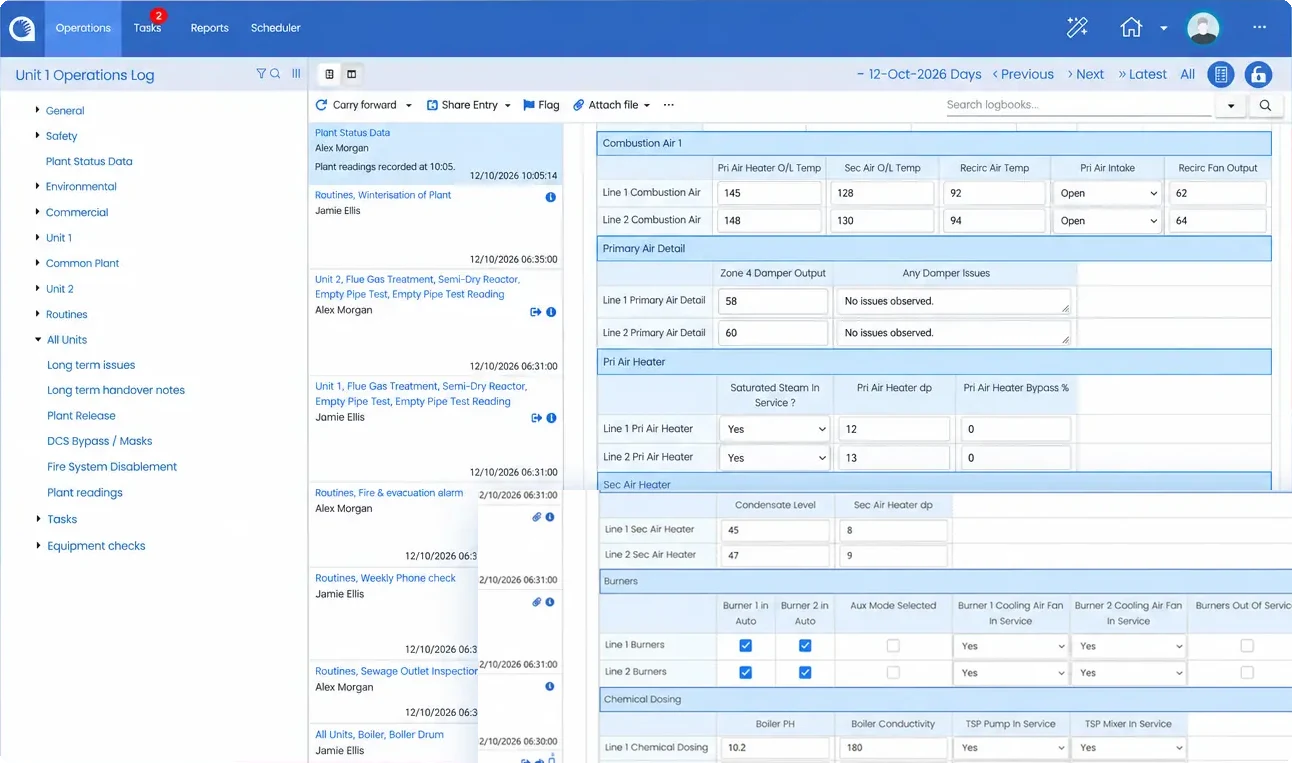
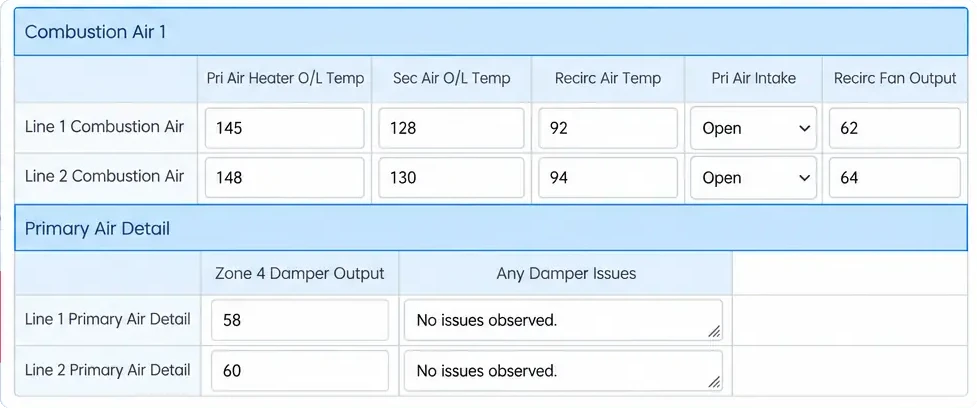
Opralog is used on sites that run around the clock, where the next shift needs a clear picture of what happened, what changed and what still needs doing. Here’s how it helps.
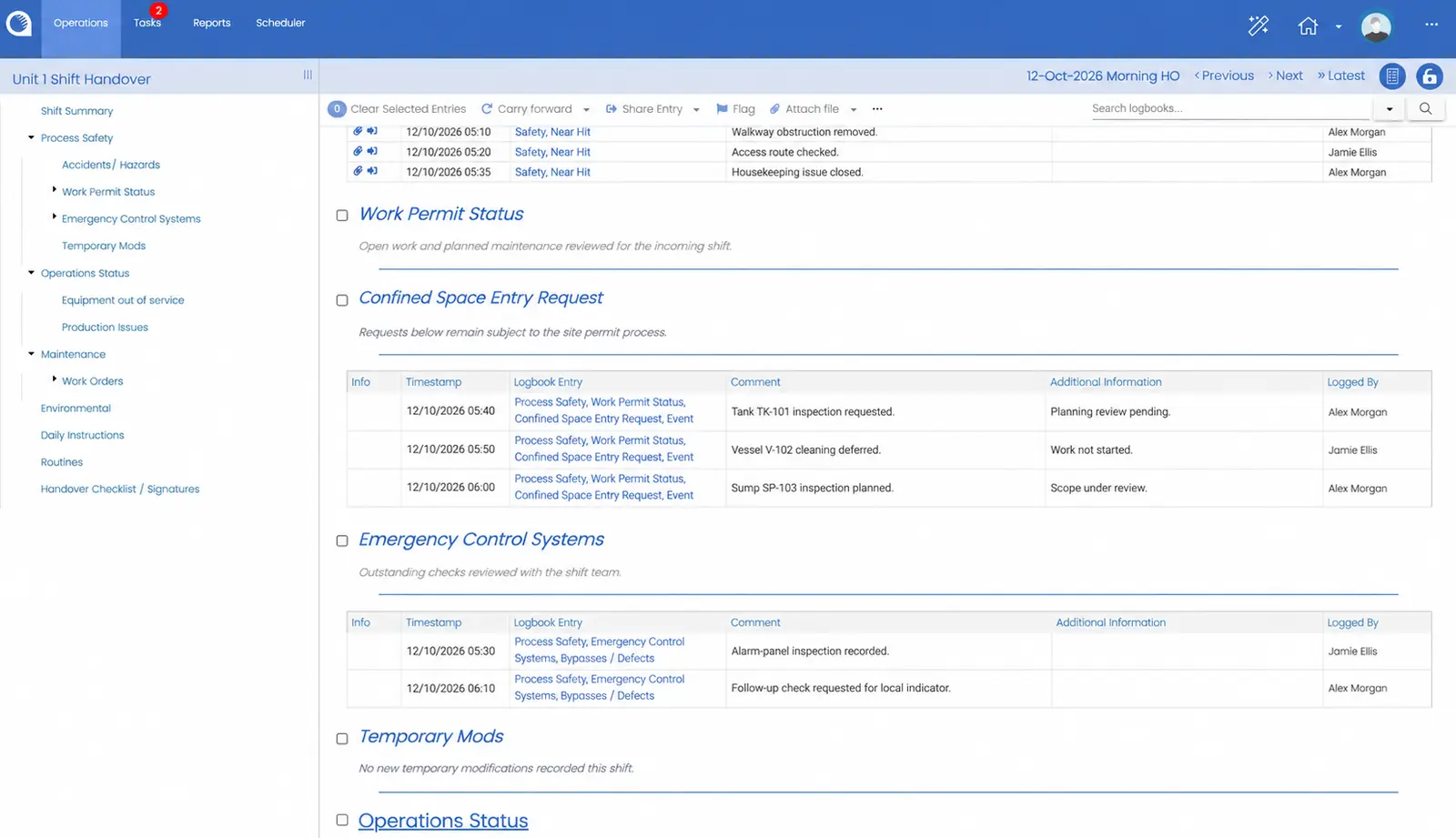
Entries from any logbook can be shared into the handover, automatically or by hand, so most of it is ready before anyone sits down to write it. It’s the same entry wherever it appears, not a copy.
Anything still open is carried forward and keeps the time it was first recorded. Shifts can be locked and signed off with names recorded, and if you want, the next shift can be held until it has accepted the handover.
Everything your teams record sits in one place, so earlier shifts are easy to search and filter. Reports run across several logbooks and can be emailed on a schedule, or as soon as a shift is signed off.
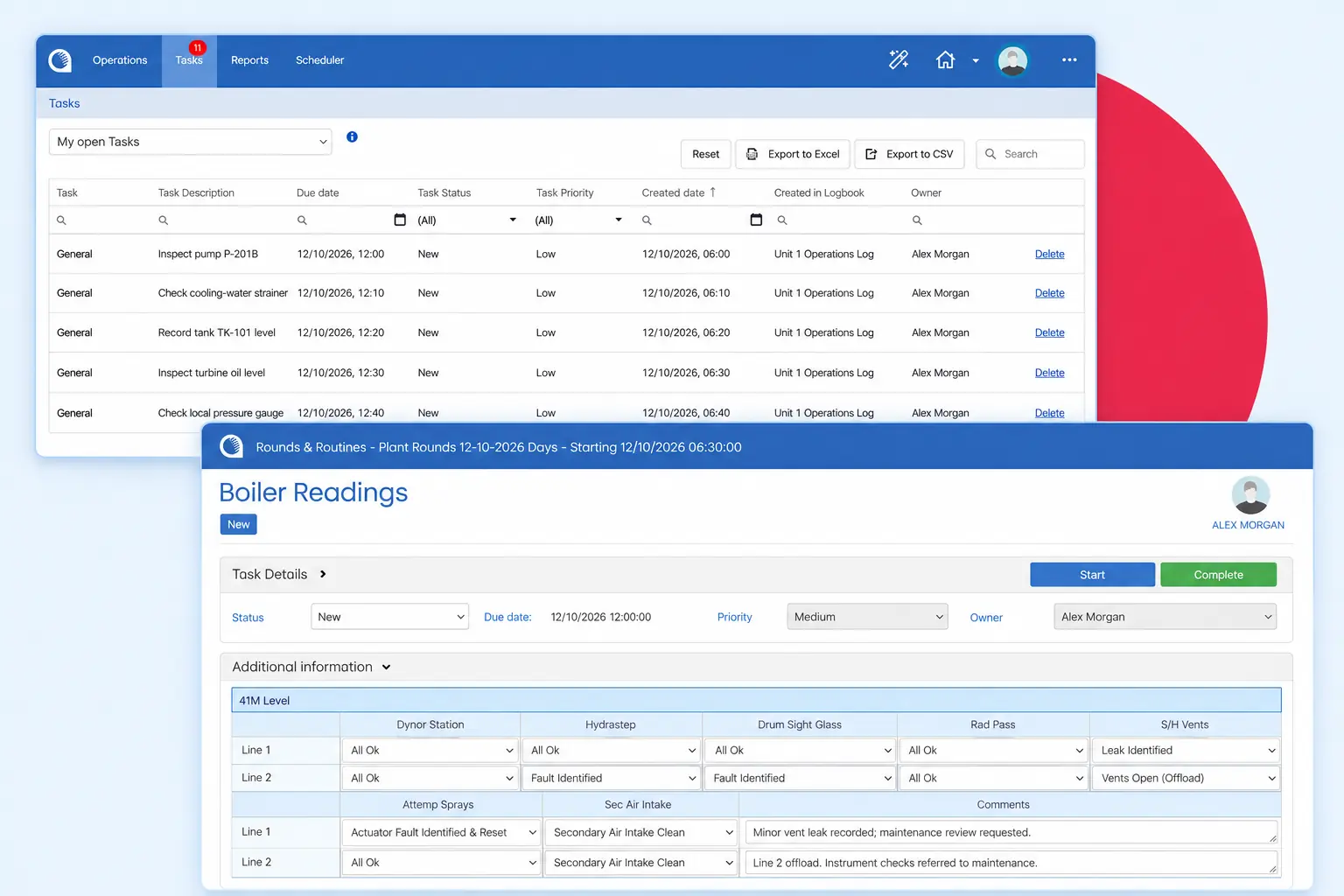
When something needs doing, it becomes a task for a person or a role, with a due date. Opralog can email people when a task is assigned or overdue, and you can see what was done and when.
When we first install Opralog, it’s like a blank sheet of paper. We set it up with you and train your superusers, who can keep shaping it with point-and-click tools and no programming.
Your trained superusers can configure Opralog around the way your site works. Build a generating-unit handover, a lab-results form, a valve register or a workflow for following up defects. Whether you run a power plant, refinery or manufacturing site, you can keep common standards across sites while giving each team the detail it needs.
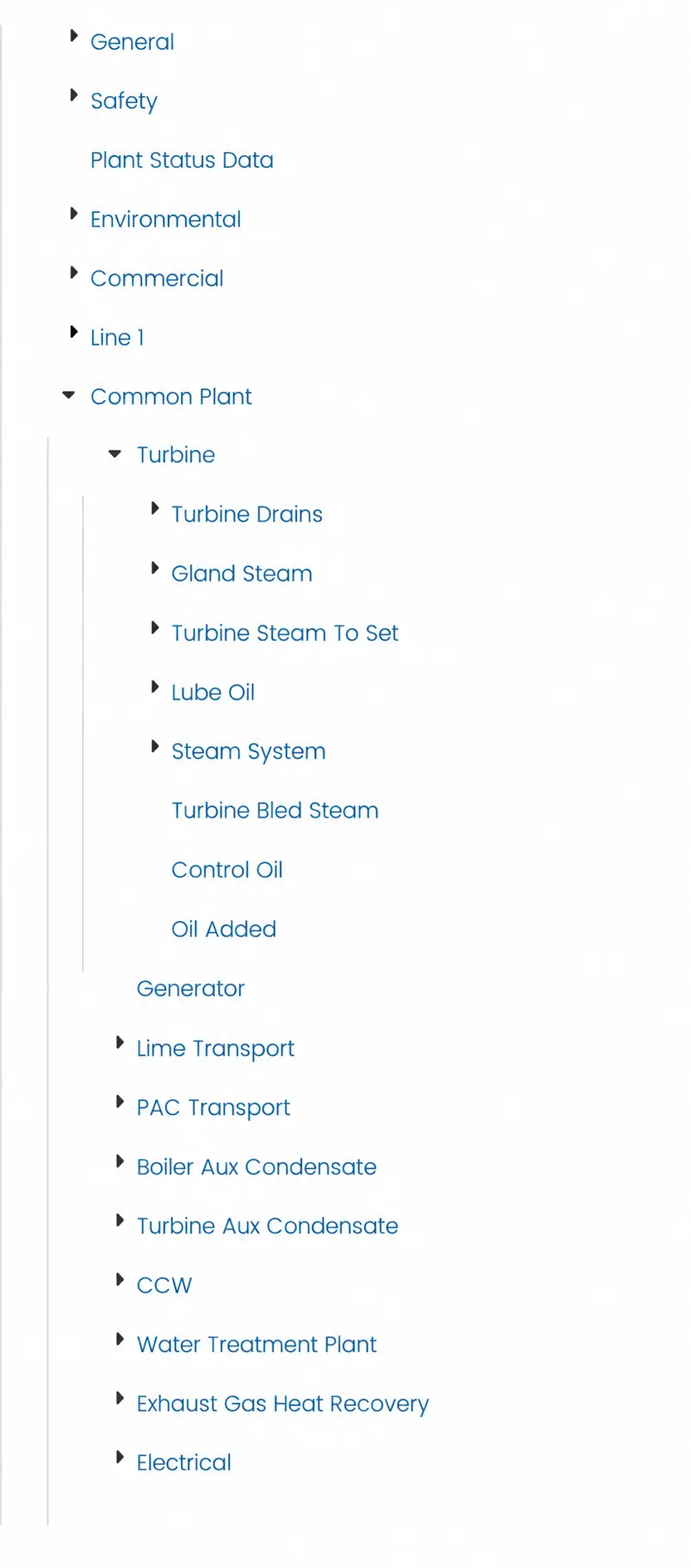
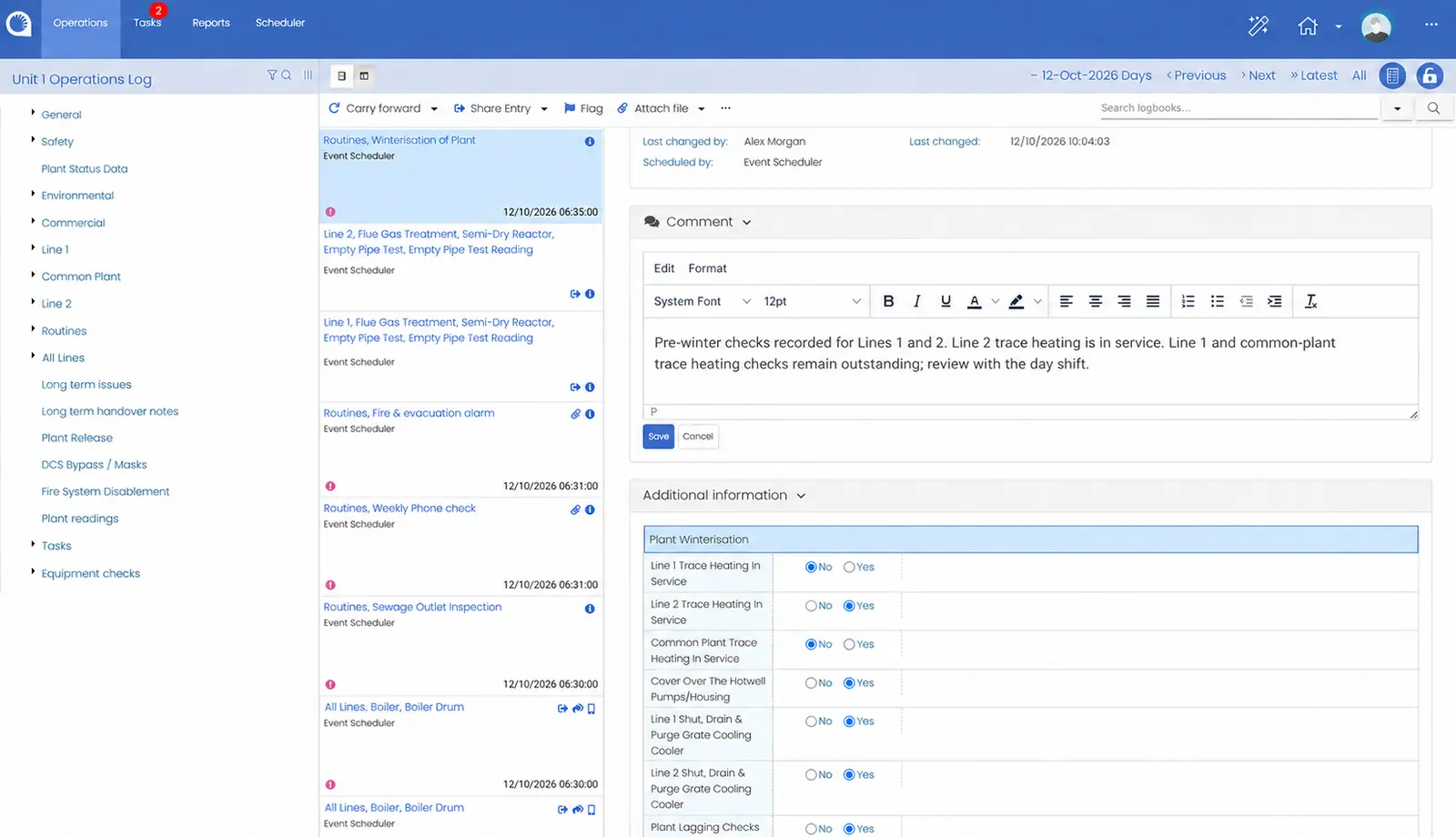
Operators pick what happened from a list set up for your site, and Opralog adds the time and who logged it. Forms use drop-downs and short tables, do the sums as you go and highlight a value that looks out of range.
Connect Opralog with your plant historian, maintenance and permit-to-work systems, so teams can see relevant plant data alongside their operational records. Standard interfaces and APIs let these systems read data from and write data to Opralog, reducing manual entry and helping keep information accurate and consistent.
05 / Applications
One system, used across the operation. Each of these is set up for your site.
Handovers built from the shift’s own entries, then signed off.
Find out more ↗Control room, maintenance, safety and other logbooks in one place.
Find out more ↗Keep long-term inhibits and overrides in a register that every shift sees.
Find out more ↗Registers set up for your site, with change approval if you need it.
Find out more ↗Turn an entry into a task with an owner and a due date.
Plant data from PI and equipment status kept up to date from logged events.
Find out more ↗Daily instructions and standing orders where the next shift will see them.
Rounds and inspections in the field with Mobilog, in the same record.
Find out more ↗06 / Features
A summary of what’s in Opralog today, grouped by area.
07 / At a glance
Opralog is installed on your own servers or in your own private Azure or AWS environment. Infotechnics does not host it, and it is not supplied as SaaS.
When we first install Opralog, it’s like a blank sheet of paper. We work with you to set it up around how your site runs, and train your superusers so they can keep shaping it themselves.
You deal directly with the people who build, configure and support it.
08 / Your questions
Straight answers about the product, set-up and getting started.
Discuss your requirements ↗An electronic logbook replaces paper logbooks and spreadsheets with one structured record that teams can search. Opralog is an electronic logbook and shift handover system: teams record what happens during the shift, and that record feeds handovers, tasks, registers and reports.
Yes. This page describes Opralog Web. If you use an older Windows installation, talk to us about upgrading. Mobilog needs Opralog Web.
Yes. Opralog works on its own. Mobilog is an optional, separately licensed app you can add when you want to take rounds and inspections into the field.
Yes. Logbooks, handovers, forms and registers are all set up around the way your site works, and shifts can be locked and signed off if needed. Bring examples of what you use today and we’ll show you how they could look.
They can be carried forward to the next shift, keeping the time they were first recorded. Tasks stay with whoever they’re assigned to until they’re done, and Opralog can email them if a task goes overdue.
Yes. Opralog has standard interfaces and APIs, so historians such as PI, maintenance, permit-to-work and other systems can share data with it. What’s connected, and how, is agreed for each project.
Yes. Reports come from the same record your teams use every day, including Mobilog data where you use it. They can be saved, scheduled and emailed automatically.
Opralog is installed on your own servers or in your own private Azure or AWS environment. Infotechnics does not host it, and it is not supplied as SaaS.
We’ll agree the set-up, access and security with your IT or OT team early on, and who looks after what.
Nothing formal. A current logbook or handover form and an example of an issue that ran across a few shifts is plenty. We’ll use them to show how Opralog could work for you.
09 / See it in context
Follow an entry from the original event through to review, follow-up and the next shift. We can explore the configuration and implementation needed for your operation.
Book a demo